REST API
Search, match, and retrieve authorized LCA dataset information through standard HTTP requests.

Search and match LCA datasets, retrieve authorized data and GWP100 results, and integrate them into your existing workflows.
Search for a material within a selected database and system model.
curl -X POST "https://x.hiqlcd.com/api/cortex/search" \ -H "X-API-Key: $HIQ_API_KEY" \ -H "Content-Type: application/json" \ -d '{ "query": "stainless steel 304", "sources": "HiQLCD:1.5.0", "system_model": "cut_off", "stream": false }'6.358 kg CO2-eq
Illustrative example · Not a live API call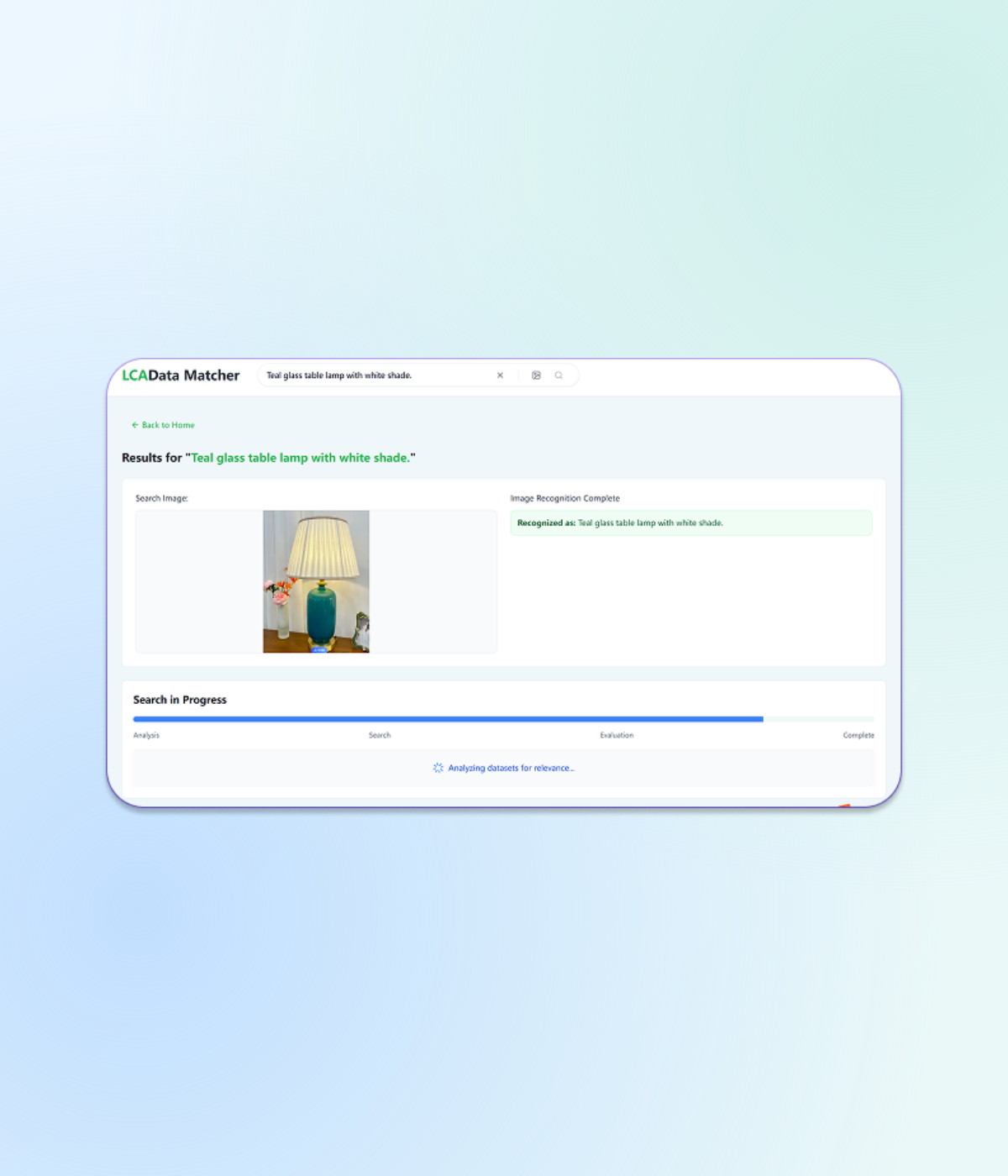
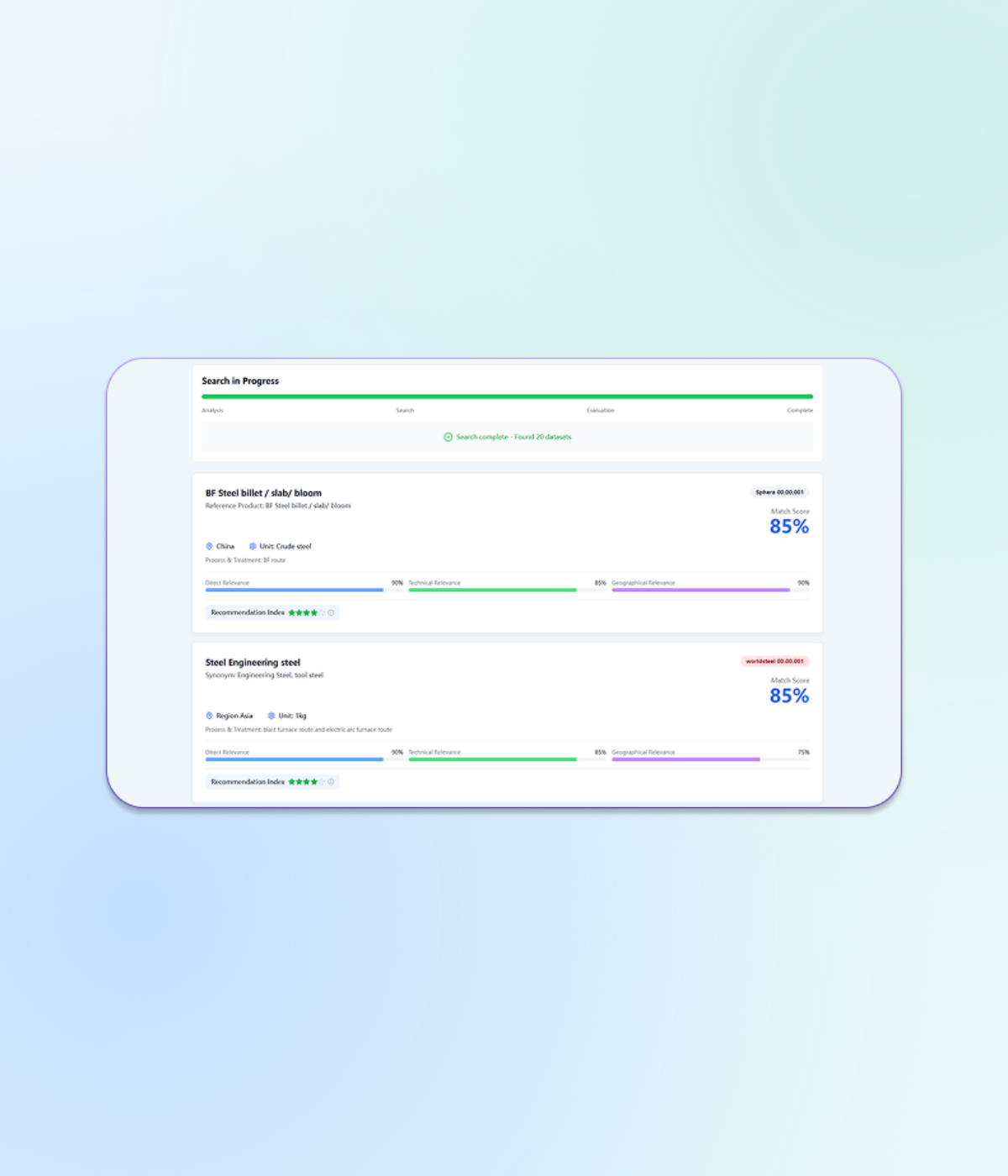
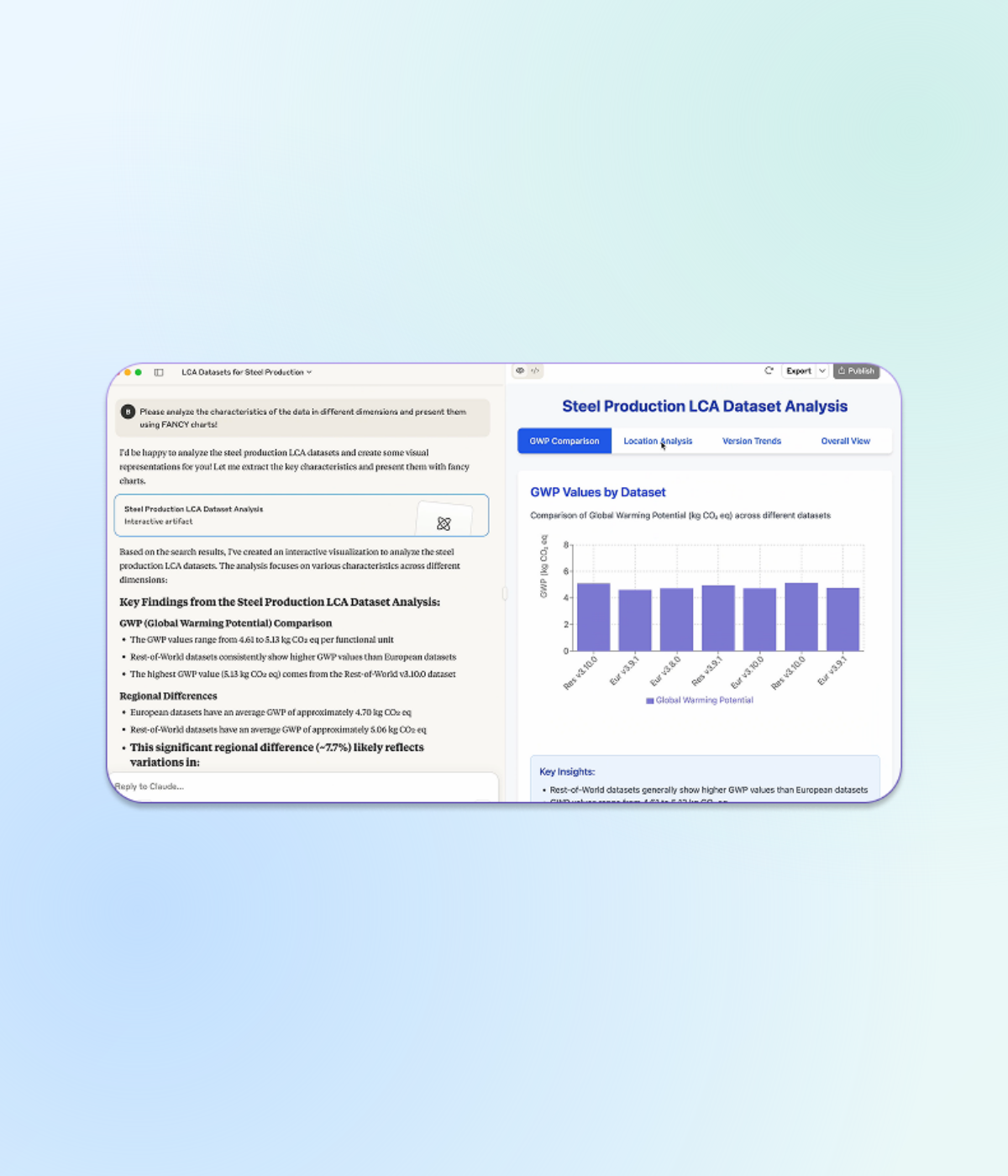
Search datasets, review their context and bring GWP100 results into your workflow.
Material or process
Candidate dataset
curl -X POST "https://x.hiqlcd.com/api/cortex/search" \ -H "X-API-Key: $HIQLCD_API_KEY" \ -H "Content-Type: application/json" \ -d '{ "query": "stainless steel 304", "sources": "HiQLCD:1.5.0", "system_model": "cut_off", "stream": false}'Selected dataset
Dataset details
GWP100
curl -X POST "https://x.hiqlcd.com/api/cortex/mcp" \ -H "X-API-Key: $HIQLCD_API_KEY" \ -H "Content-Type: application/json" \ -H "Accept: application/json, text/event-stream" \ -d '{ "jsonrpc": "2.0", "id": 1, "method": "tools/call", "params": { "name": "lookup_datasets", "arguments": { "dataset_keys": "ZDEfY2RhN2QyYWQtMGRmNS0zMmNjLTk0NWItNDlkOWNiMDEwODk1HzIwMjUfREVGQVVMVA" } }}'Access the LCA data your workflow needs.
Explore datasets from HiQLCD and other available databases. Database availability depends on the API service and your authorization.


Dataset information, including geography and system model
GWP100 results for authorized datasets
Available fields and results depend on the data source and your authorization.
Integrate LCA data into existing applications or connect AI assistants and agents to specialized data tools.
Search, match, and retrieve authorized LCA dataset information through standard HTTP requests.
Enable AI assistants and agents to search datasets and retrieve authorized LCA information.
Connect agent backends to user interfaces and stream updates throughout interactions.
Enable AI agents to exchange information and coordinate tasks across applications.
Identify the databases, target materials and impact indicators you need, and whether the data is for internal use or services offered to third parties.
Confirm the scope of authorization and access process, and obtain the corresponding API key.
Use an example from the documentation to search and check the fields returned.
Complete data mapping, use the results, and implement error handling and authorization checks.