
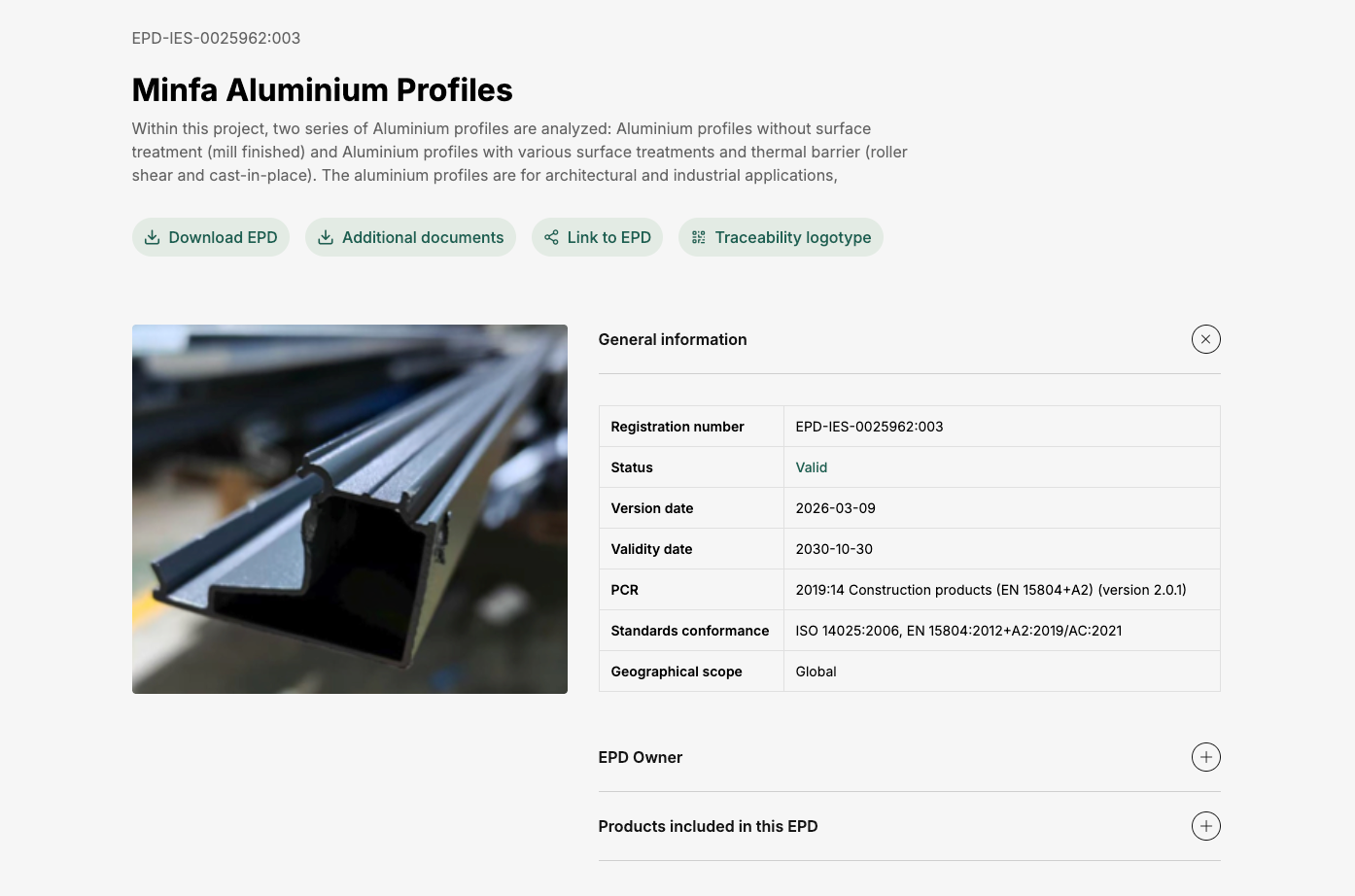
Minfa aluminium profiles: connecting manufacturer information to upstream data
An aluminium profiles EPD connects manufacturer information to upstream production data.

Procurement teams know how much material or how many components they purchase, but may not know the energy, raw materials and emissions involved in making them. A supply-chain assessment connects those purchases to their production background, helping identify emissions hotspots and the data gaps that deserve attention first.
This page focuses on purchased products and their upstream production. Where suitable supplier-specific data are unavailable, HiQLCD offers background-data candidates for relevant Chinese production activities, supporting purchase-related estimates, supplier discussions and subsequent model refinement.
A purchase record can tell you how many kilograms of resin you bought. It does not automatically include the raw materials, energy and emissions needed to produce that resin. Background process data brings those upstream activities into the assessment and scales them to the quantity purchased.
Resin used in Europe may have been produced in China. Production routes, electricity supply and technology conditions can affect its environmental profile. Match the data to where and how production occurs; the buyer’s location or a supplier’s registered address alone is not enough.
First, organize the purchased products, quantities and units, reporting period and known production locations. Retain suitable supplier footprints, EPDs or process inventories, and flag missing material specifications, production routes and locations. This separates existing evidence from inputs that require a proxy.
Next, match the gaps to suitable HiQLCD records. Connect quantities using the reference product, unit and boundary. For cumulative material or finished-product data, check the production activities already included so that the same material, electricity or processing burdens are not added again.
Then calculate and interpret the assessment in the appropriate tool. Identify major contributions by material, component or purchase category, document proxy choices, and take priority data requests back to suppliers.
Compare supply options only when specifications, boundaries and methods are comparable.
For raw-material purchases, start with relevant material, energy and transport activities in the Basic Database. For batteries, photovoltaic products or automotive components, inspect the product and process scope of the corresponding industry database. The key is whether the record represents the purchased product and production stage, rather than merely having a similar name.
Related cases illustrate two ways of connecting data: the Minfa aluminium EPD combines manufacturer information with upstream backgrounds, while the B-pillar study examines a finished-component inventory alongside a process-level reconstruction. Both inform data selection; your corporate Scope 3 result still requires calculation with your own purchase inventory.
An aluminium profiles EPD connects manufacturer information to upstream production data.
A finished-part inventory and a process-level reconstruction are compared for an automotive B-pillar reinforcement.

Check geography, technology, time coverage, system model and dataset boundary. A China label is a starting point: the same material may involve different processes, energy sources and recycled-content assumptions. For each proxy, explain why it was selected, what remains unmatched and how the data could be improved.
Place product production, transport and other supply-chain activities within a consistent accounting boundary, checking whether transport, treatment or upstream burdens are already included. Distinguish estimates based on background data from supplier measurements. A dataset impact result does not represent a company’s complete Scope 3 inventory.
Search and inspect records in HIQ QUERY, or discuss a data package covering the processes needed for your project. For use in your own platform, confirm the API’s search, matching and returned fields. Choose unit-process data, LCI inventories or LCIA results according to the task and the content actually available in the selected product.
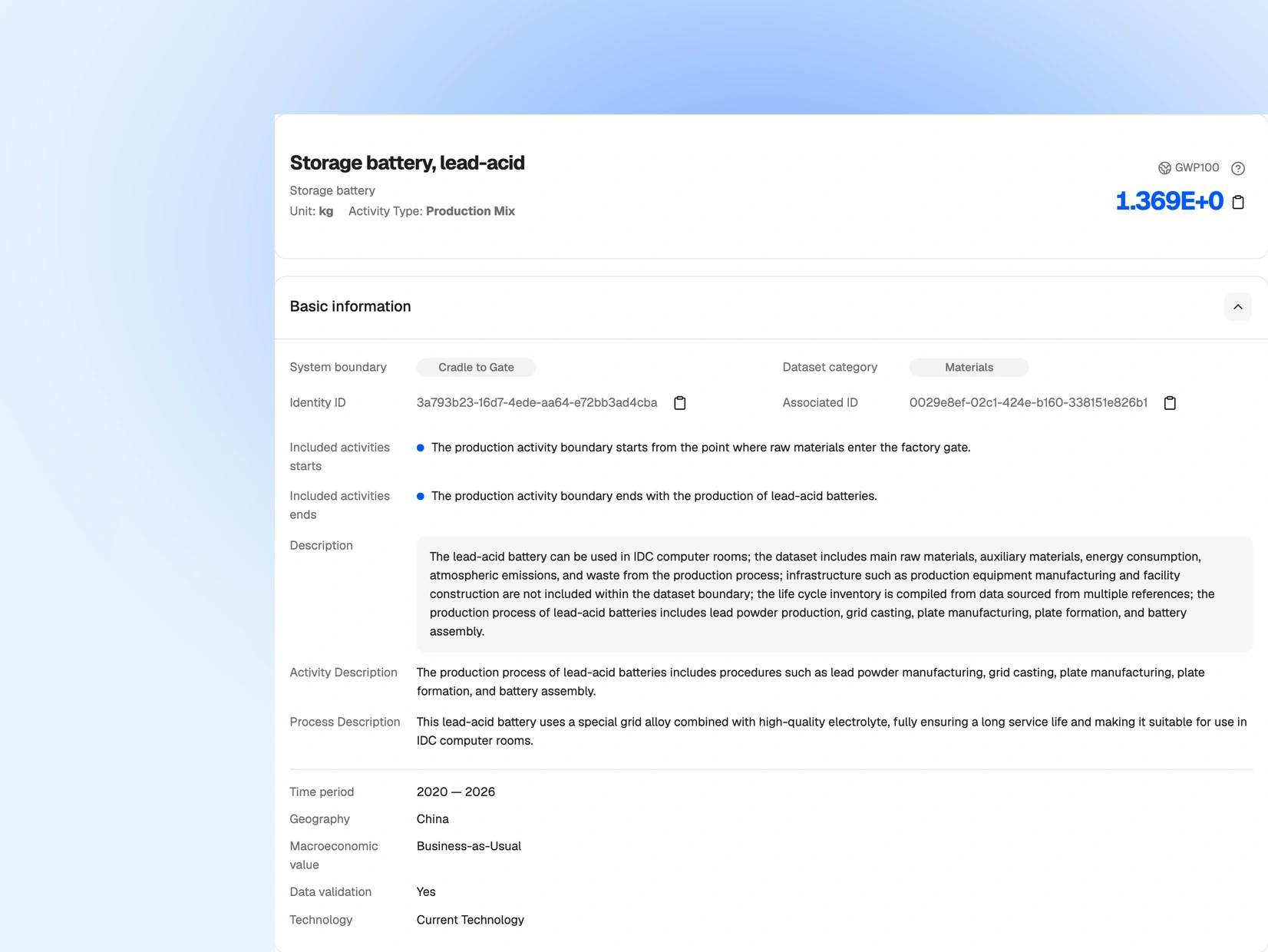
Search and inspect records in HIQ QUERY for the products and production activities in your purchase inventory.
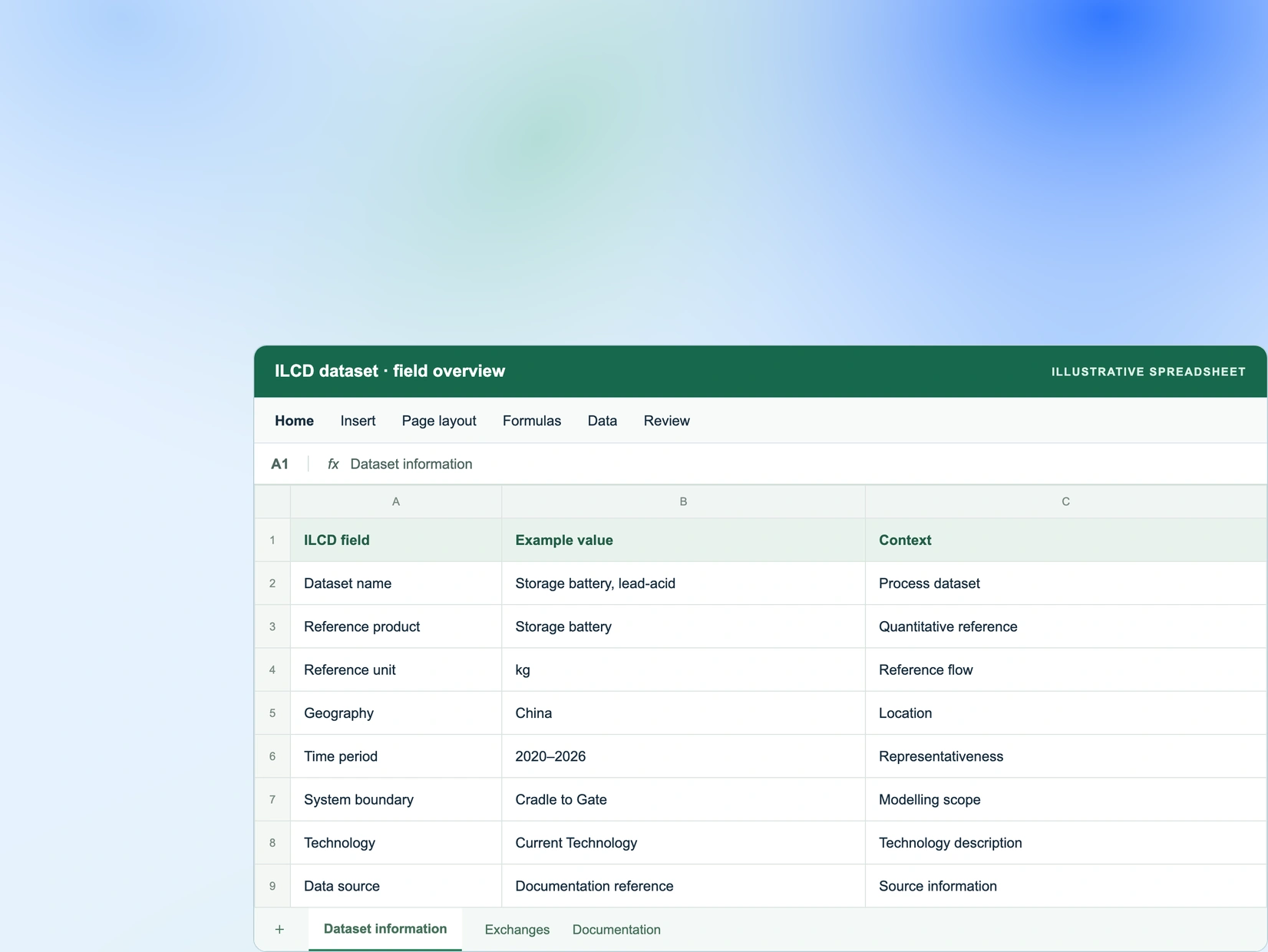
Discuss suitable records, formats, versions and permitted use for the processes needed in your project.
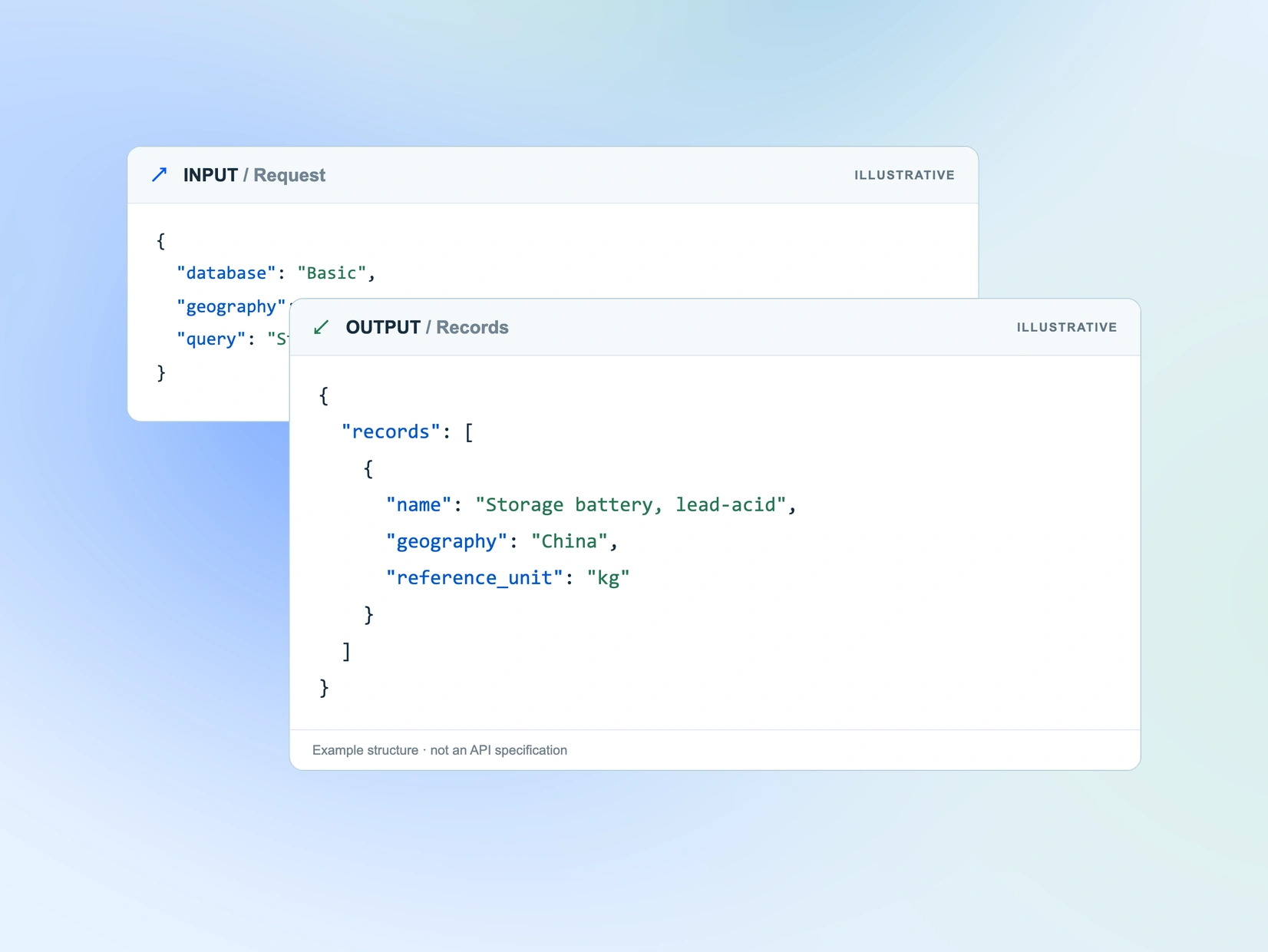
For use in your own platform, confirm the API search, matching and returned fields for the selected product.
Bring a sample purchase record with the product or material name, specification, quantity and unit, known production location and available supplier information, together with your software and delivery needs. These details provide the basis for discussing suitable records, formats, versions and permitted use.